How to manage your Recent Campaigns RSS Feed easily by the User Settings within your account.
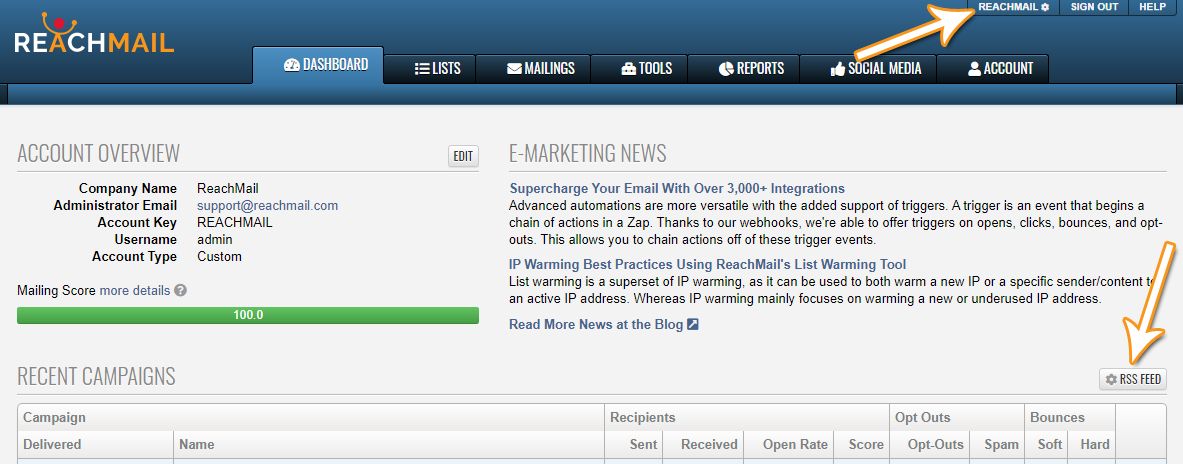
- To enable/disable the Recent Campaigns RSS Feed click on your User Settings in the upper right-hand corner or the RSS Feed button above Recent Campaigns. This will bring you to your User Settings page.
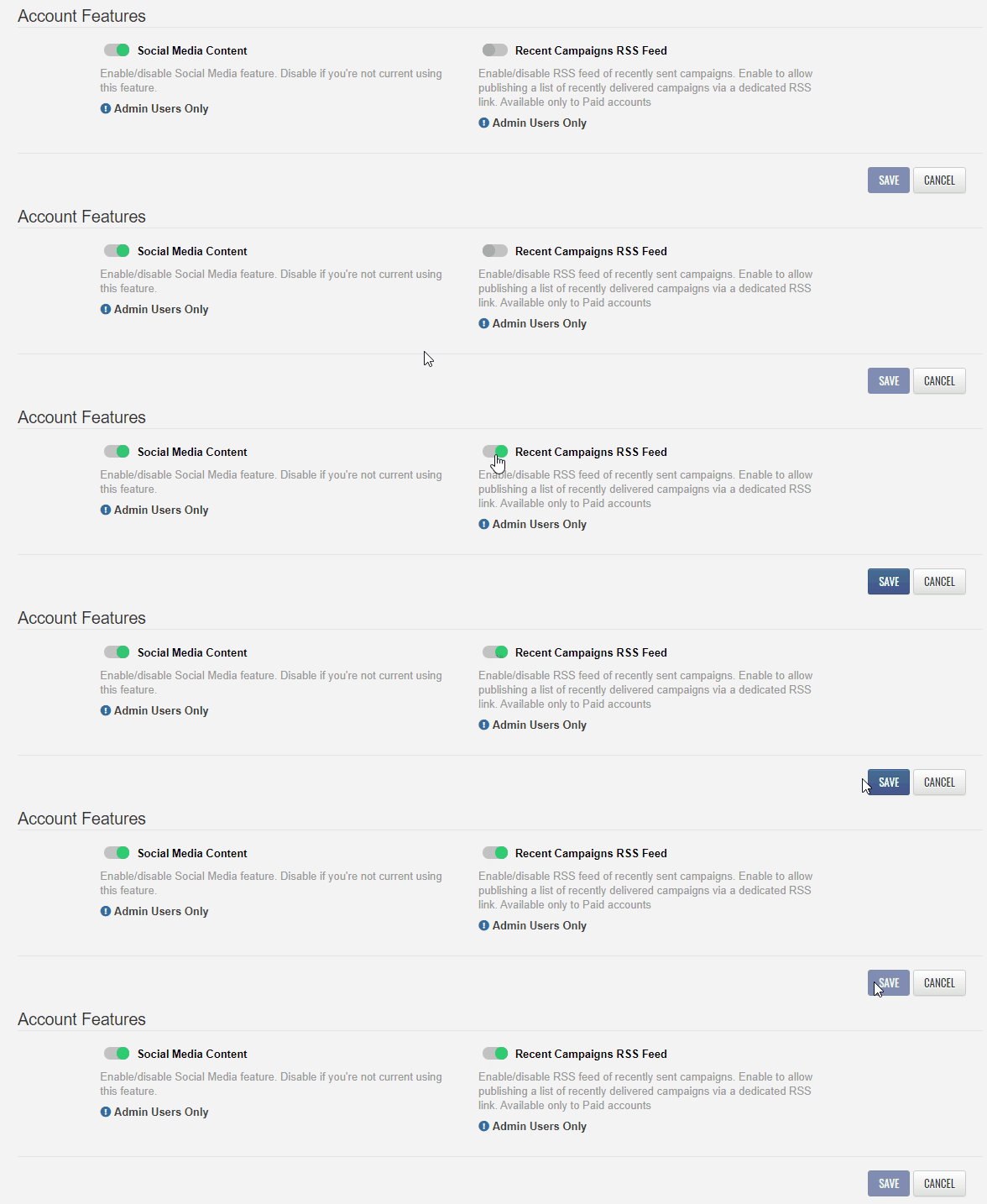
- Scroll down to Account Features and find the Recent Campaigns RSS Feed.
- Click on the button to enable/disable an RSS Feed of recently sent campaigns.
- This feature is only available to paid accounts and can only be enabled by a user with administrative permissions.
- Once you've made your changes, click on the Save button.
- With the feature enabled you'll be able to go to your Dashboard and use the RSS Feed button above Recent Campaigns.
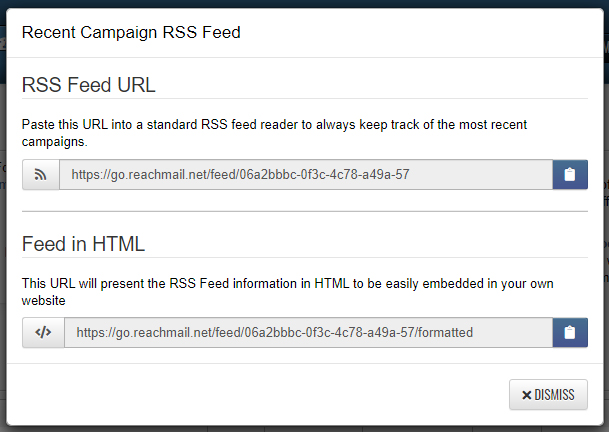
- Clicking on the button will allow you to access the Recent Campaign RSS Feed URL and HTML options.
- Use the Copy button to copy the URLs or click the Dismiss button to close this window.

Comments